Every FORTIFIED job, from eligibility to designation, in one place.
For roofers and crews
A simple link with nothing to download. Free to use. Integrates with CompanyCam.
For homeowners and agents
A simple status link that follows the job and delivers the designation.
HOW IT WORKS
Eligibility and Scoping
A collaborative workflow captures everything needed to confirm eligibility and lock the scope before work begins.
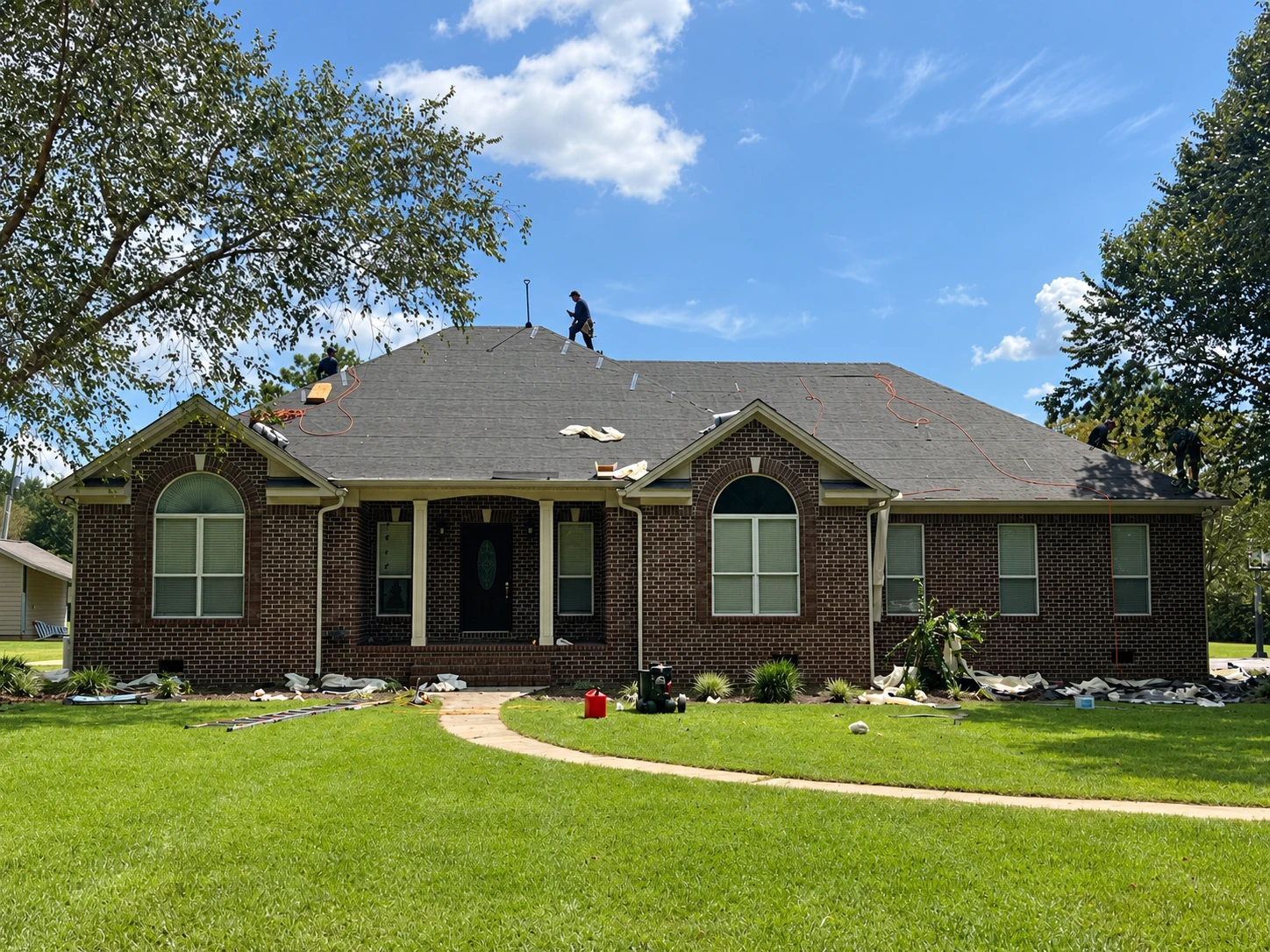
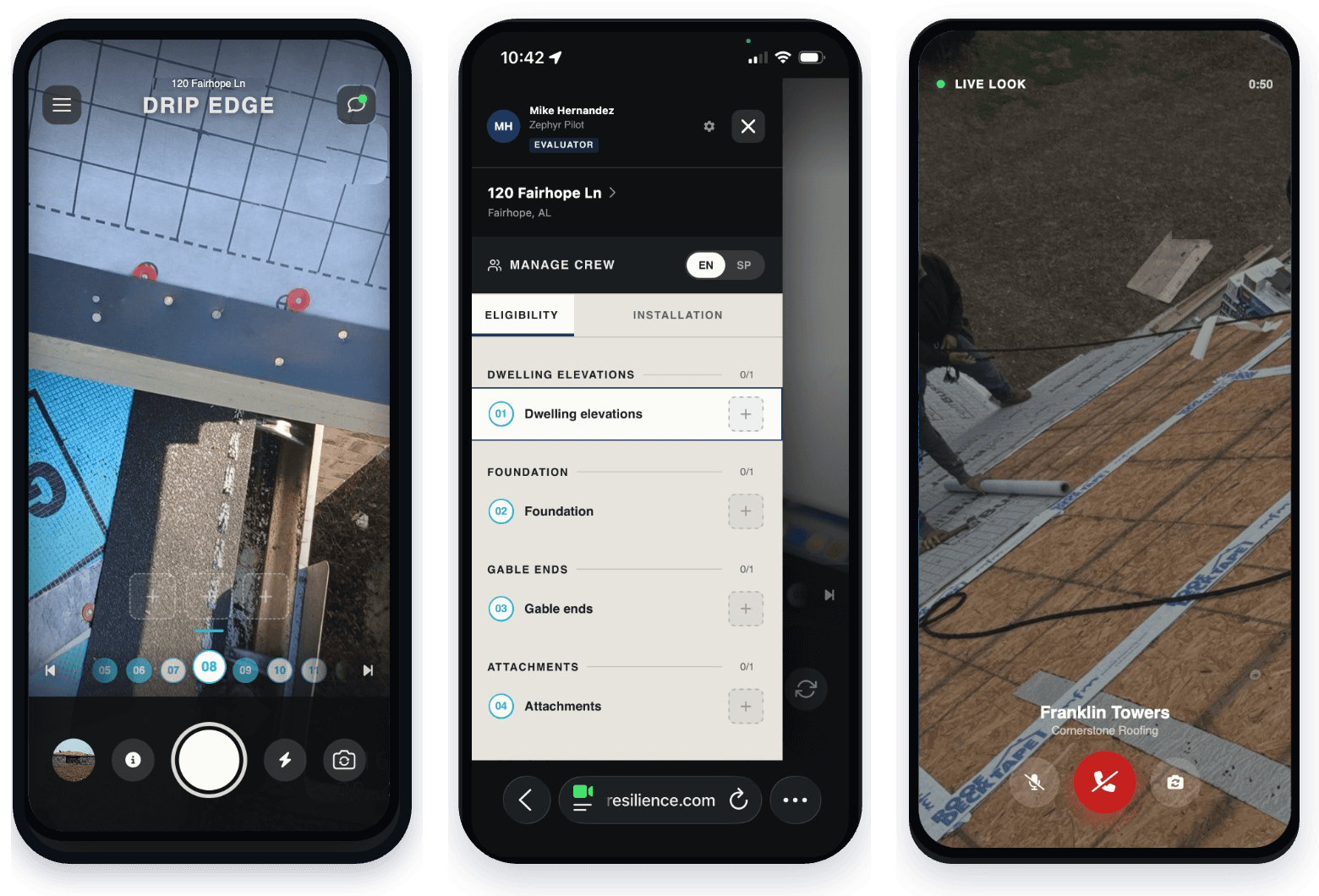
Eligibility photos on the first visit, guided step by step
Scope confirmed digitally by the evaluator and roofer, with no phone or email back-and-forth
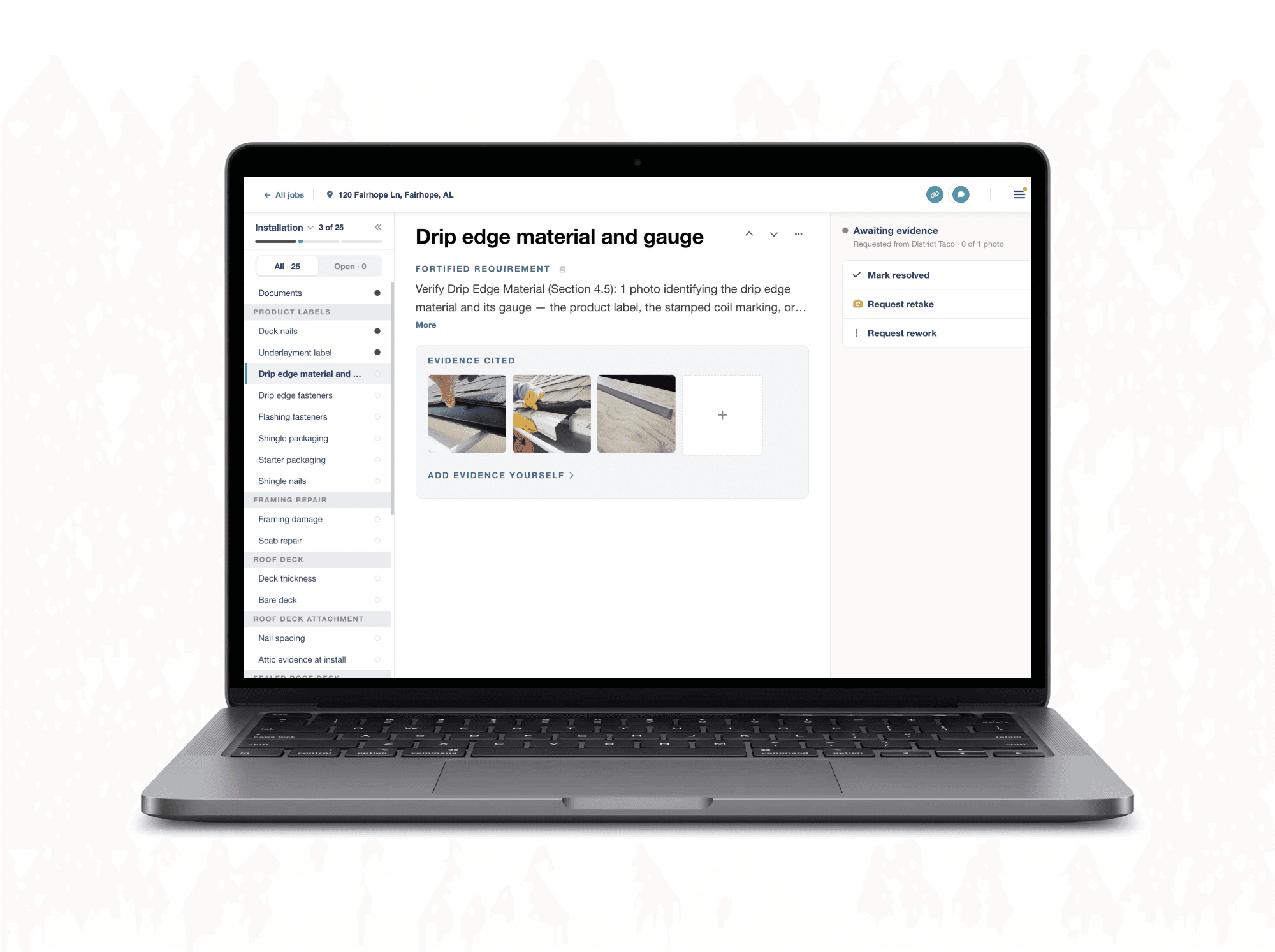
The confirmed scope sets the installation checklist, so the crew knows exactly what to capture
Installation
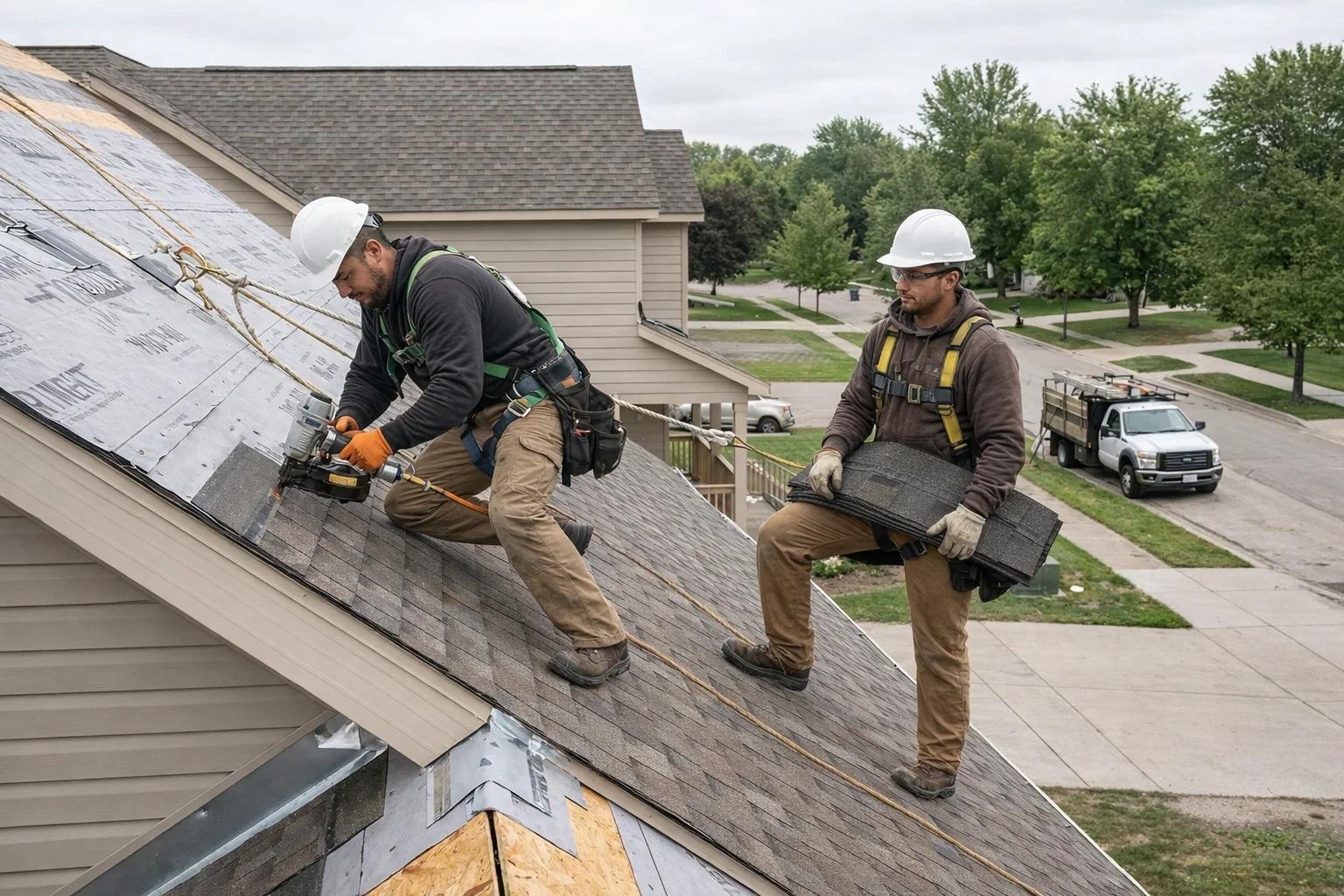
The crew photographs each stage of the install, and the evaluator sees it in real time. Problems get caught while they can still be fixed, not after the roof is on.
Guided capture at every stage, sorted to the right requirement and checked by Zephyr Verify AI as it arrives
Retakes and job issues sent straight to the crew, with the reason, in one thread per job
Live video walkthroughs with the evaluator before underlayment and before shingles
Completion and Designation
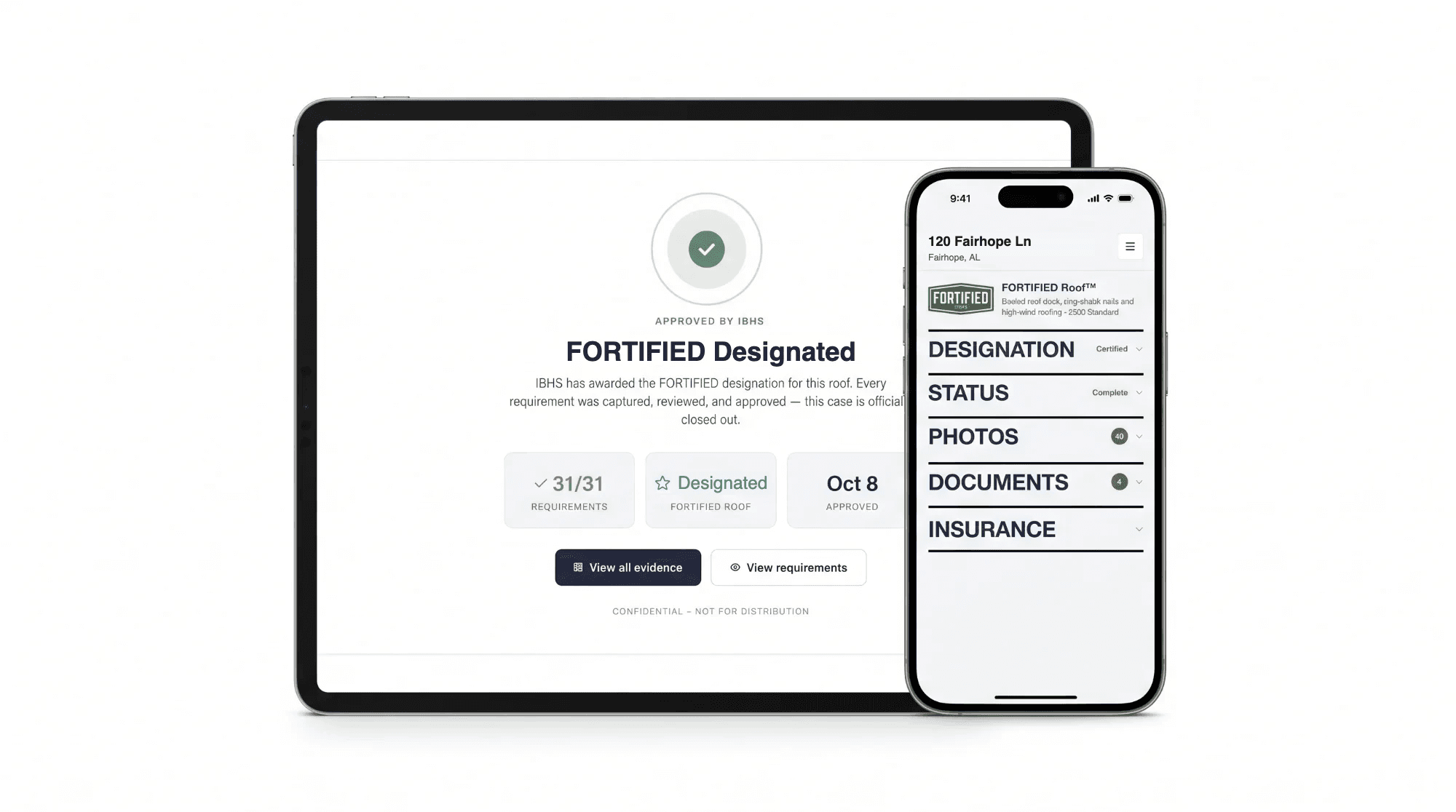
Final photos and sign-off happen the day the roof is finished. The designation reaches the homeowner and their agent without anyone chasing it.
The roofer signs the completed FOCUS form in the Verify workflow on the last day of installation
Evidence, form and signature assembled into one package, ready for FOCUS
The homeowner follows the job on a simple status link, shared with their agent, who receives the designation automatically
Coverage
FORTIFIED jobs on Zephyr Verify today.
Evaluators are running FORTIFIED jobs on Verify in states from the Gulf Coast to the Midwest.
Getting started
From sign-up to your first job.
Create your account. Choose a plan, verify your email, and pay securely through Stripe.
Add your team. Invite your evaluators and office staff. No per-user fees.
Invite a contractor. They receive a text and/or email with a link, and their crew joins from their phones.
Start your first job. Confirm eligibility and scope, and take it from there.
After you sign up, we’ll walk through your first job with you on a short intro call.
In association with
Choose a plan.
Priced by usage, not by users. Change plans anytime. Evaluations are counted when installation begins, not when the job is created.
Essentials
$69 / month
+ $12 per evaluation
First month free for new accounts
Best for fewer than 20 evaluations a month
Live walkthrough
100 min / mo
Walkthrough video
720p
Text job alerts
250 / mo
Pro
$159 / month
+ $9 per evaluation
First month free for new accounts
Best for 20 to 80 evaluations a month
Live walkthrough
1,000 min / mo
Walkthrough video
HD 1080p
Text job alerts
Unlimited
Enterprise
$359 / month
+ $7 per evaluation
First month free for new accounts
Best for more than 80 evaluations a month
Live walkthrough
Unlimited
Walkthrough video
HD 1080p
Text job alerts
Unlimited
Extra usage is billed with that month’s evaluation fees, in whole blocks of 100: live walkthrough minutes at $15 per 100 on Essentials and Pro, and text job alerts at $10 per 100 on Essentials. Going past an allowance never interrupts your work. Enterprise has no overage charges. If you move to a higher plan during the month, its allowances apply to the whole month. Unlimited allowances are subject to fair use. See Zephyr Rate Card.
Billed monthly through Stripe. Have an invitation code? You’ll enter it at checkout.
Discard signup?
Are you sure you want to close? Your signup progress will be lost.
Frequently asked questions
Pricing
What does Verify cost?
Each plan has a monthly subscription plus a flat fee for each evaluation. Essentials is $69 a month plus $12 per evaluation, Pro is $159 a month plus $9 per evaluation, and Enterprise is $359 a month plus $7 per evaluation. The subscription is billed monthly in advance, and evaluation fees are billed monthly for the evaluations you’ve run.
Is there a free trial?
Yes. New accounts pay no platform fee and no evaluation fees for their first month. A card or bank account is needed at checkout.
When does an evaluation count?
An evaluation is counted when installation begins on a job, marked by the first installation photo. Creating a job, confirming eligibility and scoping are never charged, so a job that doesn’t reach installation costs nothing.
Which plan should I pick?
The plans are designed around your monthly volume. We recommend Essentials for fewer than 20 evaluations a month, Pro for 20 to 80 evaluations a month, and Enterprise for more than 80 evaluations a month. You can change plans at any time as your volume changes.
Is there a cost per user?
No. Every plan includes unlimited evaluator users, so you can bring your whole team on at no extra cost.
Do contractors and roofing crews pay?
No. Contractors and their crews use Verify for free, with nothing to download. Verify integrates with CompanyCam, so crews can keep using CompanyCam for their other projects while their FORTIFIED photos sync to it.
Do features differ by plan?
Every plan includes every feature. Only three allowances change:
Live walkthrough minutes: 100 a month on Essentials, 1,000 on Pro, and unlimited on Enterprise.
Walkthrough video quality: 720p on Essentials, and HD 1080p on Pro and Enterprise.
Text job alerts: 250 a month on Essentials, and unlimited on Pro and Enterprise.
Unlimited allowances are subject to fair use.
What happens if I reach an allowance?
Your work is never interrupted. Extra usage is billed with that month’s evaluation fees, in whole blocks of 100: live walkthrough minutes at $15 per 100 on Essentials and Pro, and text job alerts at $10 per 100 on Essentials. Enterprise has no overage charges. If you move to a higher plan during the month, its allowances apply to the whole month.
Can I change plans or cancel?
Yes. A move to a higher plan takes effect right away, and a move to a lower plan takes effect at the start of your next billing period. You can cancel at any time. Cancellation takes effect at the end of the current billing period, and you won’t be billed after that, though fees already paid aren’t refunded.
How do I pay?
By card or ACH bank debit, processed securely by Stripe. Sales tax is added where it applies. You can update your payment method and download invoices at any time from the Billing page in Verify.
I have an invitation code. Where do I use it?
Enter it at checkout by selecting “Add promotion code.”
Getting started
How do I get started?
Create an account, choose a plan and invite your team. After you sign up, we’ll be happy to set up your first job with you on a short call.
What do my contractors and crews need?
A smartphone with a web browser. Each crew member receives a text with a link to the job, with no password and nothing to download.
Does Verify work without signal?
Yes, once the job is open. You need signal to open the job link, so open it before you head to a site without coverage. From then on, photo capture works offline, and photos upload automatically when the signal returns.
Is Verify available in Spanish?
Yes, for crews. When they open the job link, crews can switch between English and Spanish with the language toggle.
Working with IBHS
Does Verify replace IBHS or FOCUS?
No. FORTIFIED designations are issued by IBHS. Verify brings the evidence, the signed FOCUS form and the submission package together, so they’re ready for you to upload to FOCUS.
Can I use Verify for remote assessments?
Verify is built to be remote-enabled, with live video walkthroughs and photo review as the work happens. IBHS sets the rules on in-person site visits, and each state’s grant program also has its own requirements, so they determine what can be done remotely. If you’re unsure, please check with IBHS or your state program.
How does the Zephyr AI assessment work?
As photos arrive, Zephyr Verify reviews each requirement and flags anything that looks missing or incorrect. You remain in control: the evaluator reviews every requirement and makes every decision.
Homeowners and data
How is homeowner information used?
Homeowner details are optional, and only the contractor or evaluator on the job can add them. We ask them to let the homeowner know they’ll be contacted. We email the homeowner a link to follow the job, with an update when FORTIFIED eligibility is confirmed and their IBHS certificate when the designation is issued. The evaluator decides when the certificate and final photos are released. We use their details to coordinate the job, consistent with our Privacy Policy. We never use them for marketing, and we never sell them.
Who owns the photos and job records?
You do. You keep ownership of the content you submit, and you can export it for 30 days after your subscription ends. We also use job photos to improve Verify’s technology, as described in our Privacy Policy.